How YouTube Subscriber Verification Works: Technical Guide
How YouTube Subscriber Verification Works: Technical Guide
If you're going to gate content behind subscriber verification, you should understand how it works. This isn't magic—it's standard OAuth and API calls.
Here's the full technical picture.
The Problem: Subscriptions Are Private by Default
On YouTube, users can set their subscriptions to public or private. Most choose private.
This means you can't just look up whether someone is subscribed to your channel. There's no public "list of subscribers" you can check against. The subscription relationship is protected.
So how do you verify it?
The Solution: OAuth + YouTube Data API
OAuth (Open Authorization) is a standard protocol that lets users grant limited access to their accounts without sharing passwords.
When someone wants to verify their subscription, they:
- Click "Verify with YouTube"
- Get redirected to Google's official login
- See exactly what permissions they're granting
- Approve (or deny) the request
- Get redirected back with verification complete
[Screenshot: Google OAuth consent screen showing ForSubs requesting YouTube read-only access]
At no point does anyone see their password. Google handles the authentication. The verification tool only receives a token with limited permissions.
The Permission Scope
Here's what the OAuth request actually asks for:
https://www.googleapis.com/auth/youtube.readonly
This scope grants read-only access to YouTube data. Specifically, it allows:
- Reading the user's subscriptions
- Reading the user's channel info
- Reading public video data
It does NOT allow:
- Posting on their behalf
- Subscribing/unsubscribing from channels
- Accessing private videos
- Modifying any account settings
- Accessing their email or Google Drive
The user sees this scope explained in plain language on Google's consent screen.
[Screenshot: Close-up of the permission scope text showing "View your YouTube subscriptions"]
The API Call
Once the user grants permission, the verification tool makes a call to YouTube's Data API:
GET subscriptions?part=snippet&mine=true&forChannelId={YOUR_CHANNEL_ID}
This asks: "Return this user's subscription to channel X, if it exists."
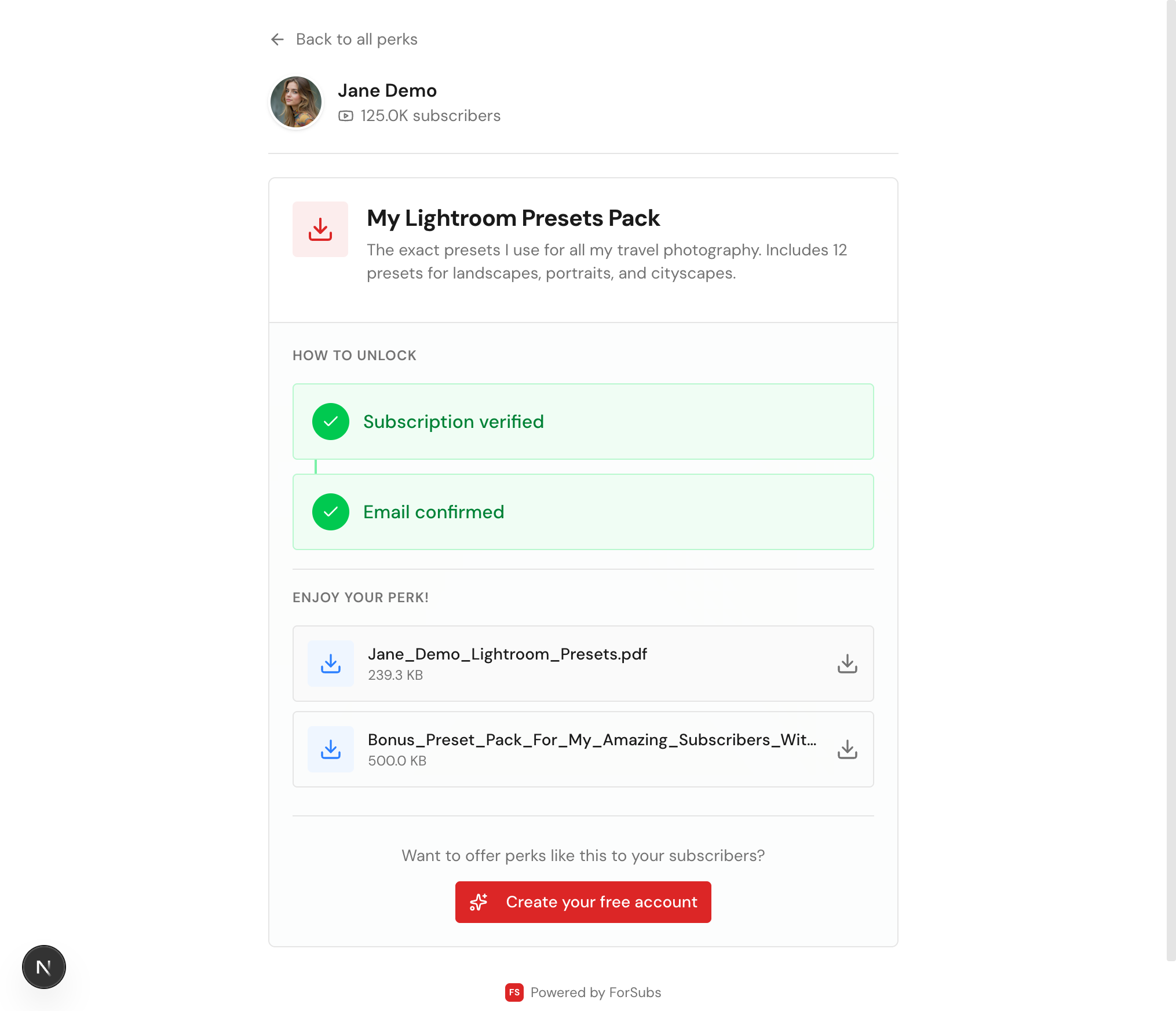
If the user is subscribed, the API returns the subscription data. If not, it returns an empty list.
That's the entire check. One API call. Binary result: subscribed or not subscribed.
[Screenshot: Verification failed - message showing user is not subscribed]
For Paid Member Verification
YouTube also has a Members API for channels with memberships enabled. This works similarly but checks membership status instead of subscription status.
The API call:
GET members?part=snippet&mode=all_current&filterByMemberChannelId={VIEWER_CHANNEL_ID}
This checks if a specific viewer is a paying member of the creator's channel and, if so, what tier they're at.
This requires additional OAuth scope and only works for channels with YouTube Memberships enabled.
What Happens to the Data
After verification, the verification tool knows:
- The user is subscribed (or not) to your channel
- When they subscribed (the API includes this)
- Their YouTube channel ID (if they have one)
What happens next depends on the tool's privacy policy. At ForSubs:
- We store: An anonymous verification log (hashed identifiers, timestamps) for analytics.
- We don't store: Real names, email addresses, full account details, or anything that could identify the user—unless they explicitly provide their email during the unlock process.
- We never: Post on anyone's behalf, modify subscriptions, or access any data beyond what's needed for verification.
Security Considerations
- Token expiry: OAuth tokens expire. Users would need to re-authenticate after some time. This prevents indefinite access.
- Scope limitation: The read-only scope can't do anything harmful. Even if tokens were compromised, attackers couldn't post, subscribe, or modify anything.
- HTTPS only: All API calls happen over encrypted connections. Data in transit is protected.
- No password storage: The verification tool never sees or stores passwords. Google handles all authentication.
FAQ: Common Technical Questions
Can this fake subscriptions? No. The API checks real subscription status. There's no way to spoof it without actually subscribing.
Does this subscribe people automatically? No. The read-only scope can't subscribe anyone. Users must subscribe manually through YouTube.
What if someone has private subscriptions? OAuth bypasses this. When the user grants permission, they're allowing the tool to check their subscriptions regardless of public/private settings.
Can the tool post to my YouTube account? No. The scope used doesn't include write permissions. Even if the tool wanted to post, Google wouldn't allow it.
What happens if I revoke access? Users can revoke OAuth permissions at any time through their Google Account settings. Once revoked, the tool can no longer verify their status until they re-authenticate.
Is this against YouTube's Terms of Service? No. This is the intended use of the YouTube Data API. YouTube provides these APIs specifically for developers to build integrations. Using OAuth for subscription verification is standard practice.
For Developers: API Quota
YouTube Data API has quota limits. Each API call costs "units." The subscriptions.list call costs 1 unit. Most verified OAuth applications get 10,000 units per day, which handles thousands of verifications.
High-volume applications can request quota increases from Google. ForSubs operates under an approved quota for production use.
The Trust Model
When you use any verification tool, you're trusting:
- Google: To securely handle OAuth authentication
- YouTube: To accurately report subscription status
- The verification tool: To use the API honestly and respect privacy
Google and YouTube are, well, Google. The trust question is about the tool.
At ForSubs, we publish our privacy policy, explain what data we collect, and give users control over their information. We don't sell data. We don't spam. We verify subscriptions and deliver perks.
That's the whole business model.
Conclusion
Subscriber verification isn't complicated or sketchy. It's OAuth + one API call. The user controls what access they grant. The verification tool checks a binary condition. The perk unlocks or it doesn't.
No screenshots. No honor system. No hacks. Just the tools Google provides, used as intended.